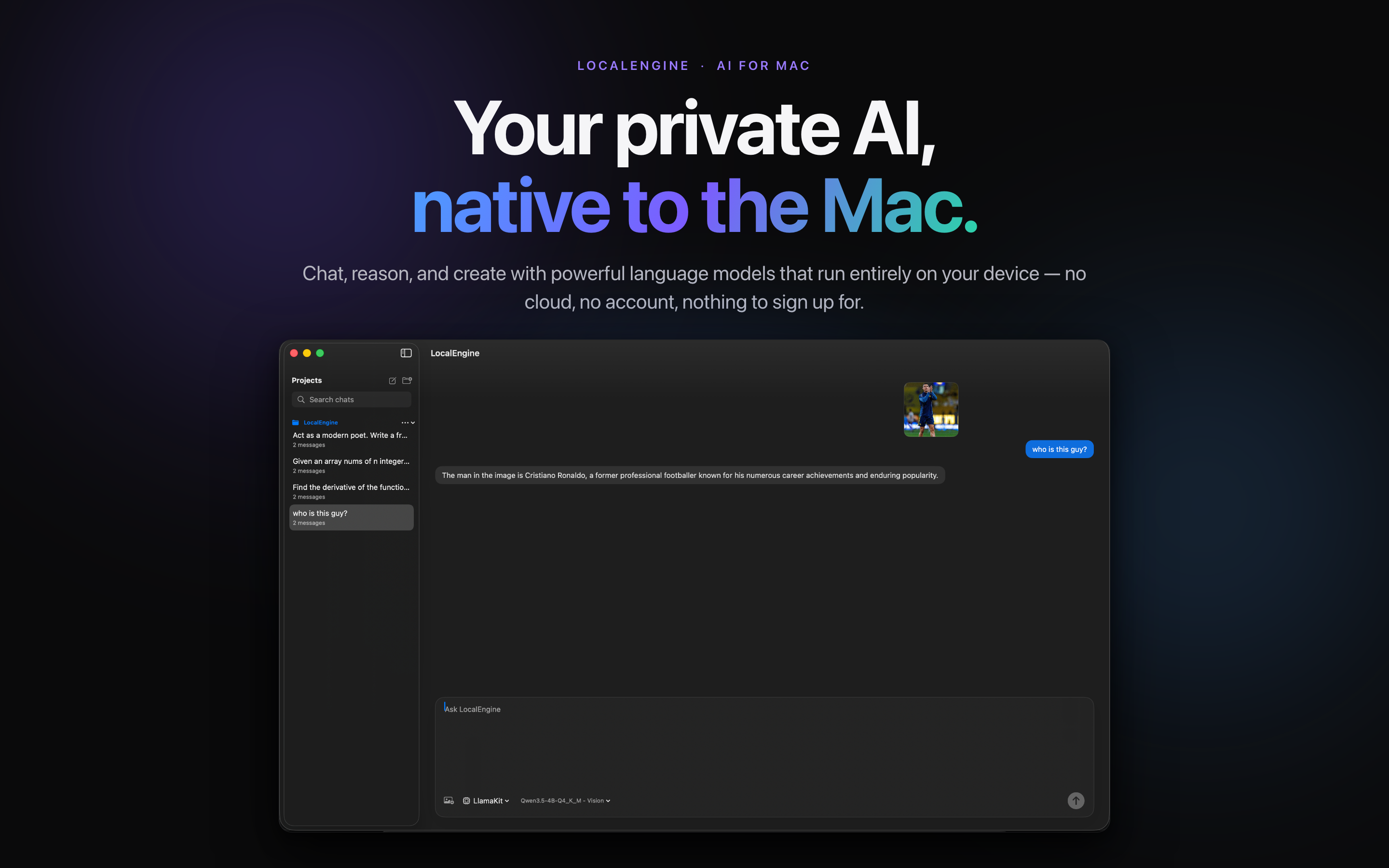
Your private AI, native to the Mac.
A full desktop workspace for projects, long-running chats, and image understanding, all running on Apple Silicon.
View screenshots →Talk to a local model, manage what runs on your device, and keep it tuned exactly how you like — on Mac, Windows, iPhone, and iPad.
Native to every screen, with the same simple promise: your models, your hardware, your data.
A full desktop workspace for projects, long-running chats, and image understanding, all running on Apple Silicon.
View screenshots →Run LocalEngine directly on your Windows PC, with the same private, on-device experience and no account required.
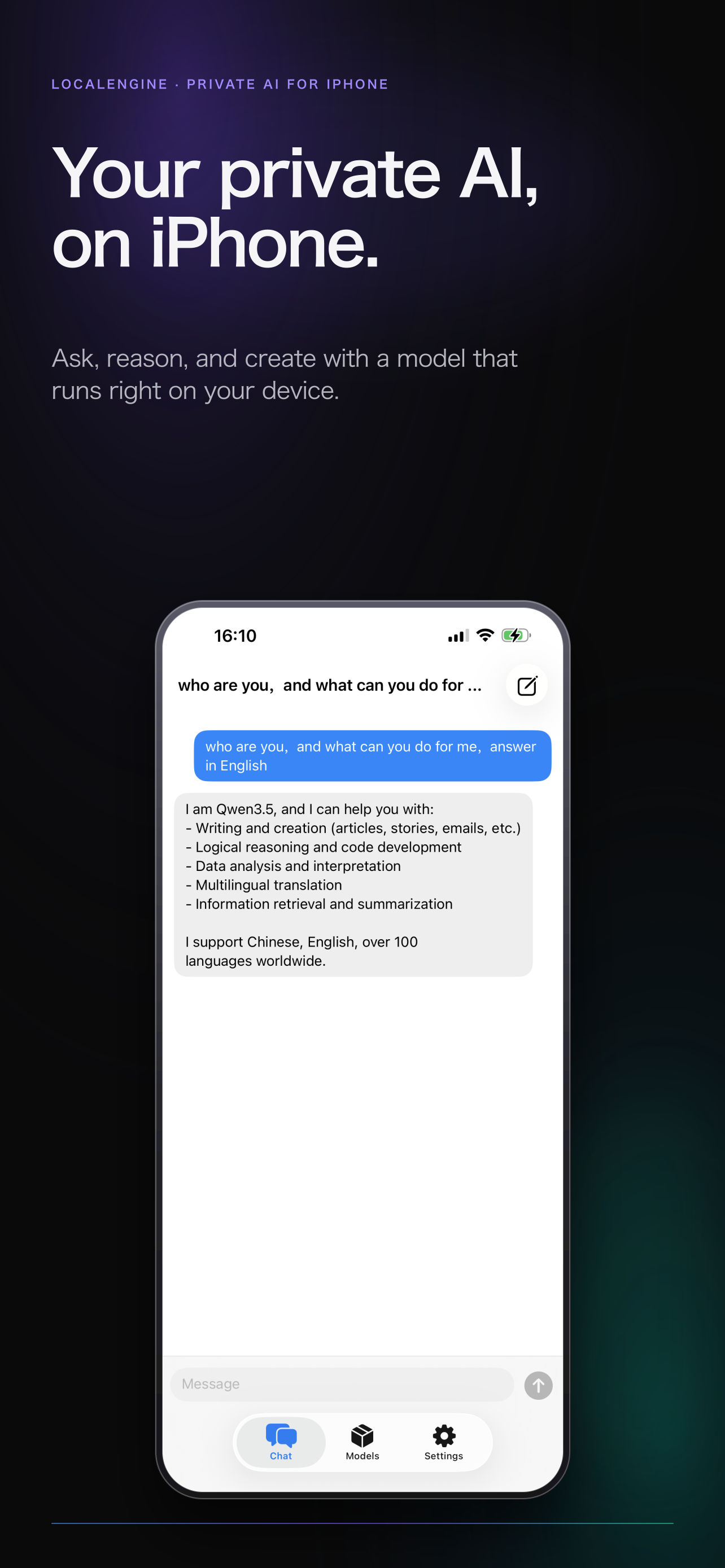
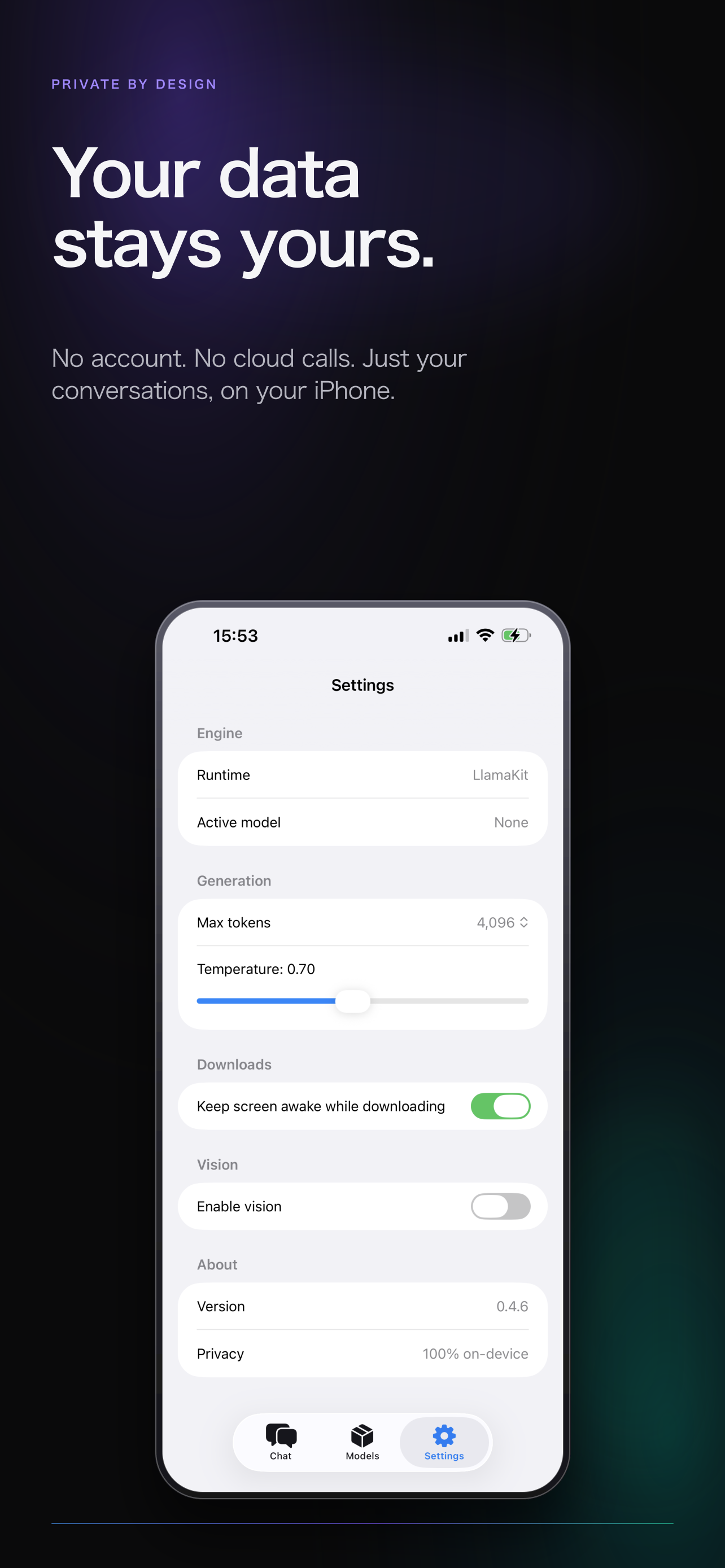
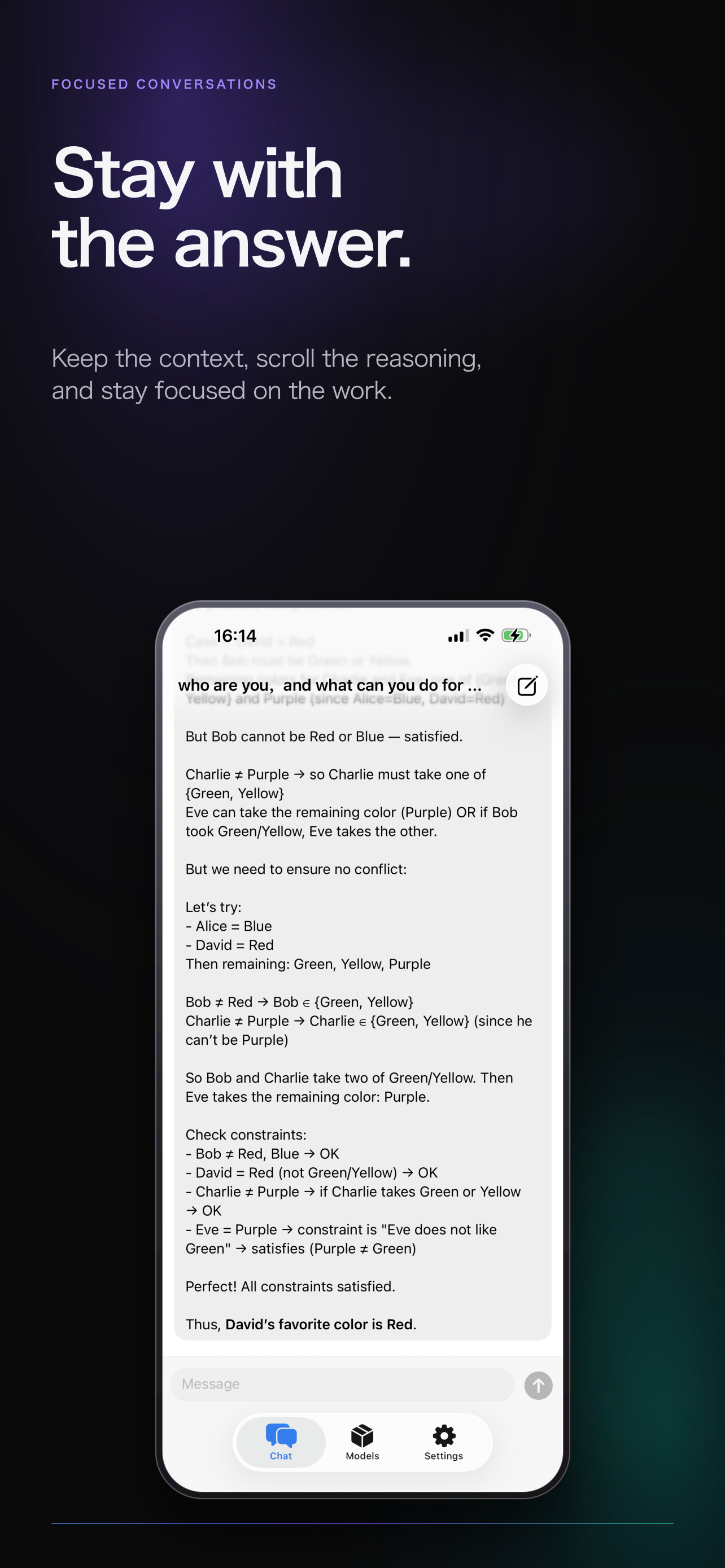
Download for Windows →Ask, reason, and create with a capable model that runs on your iPhone. No sign-up, cloud, or waiting.
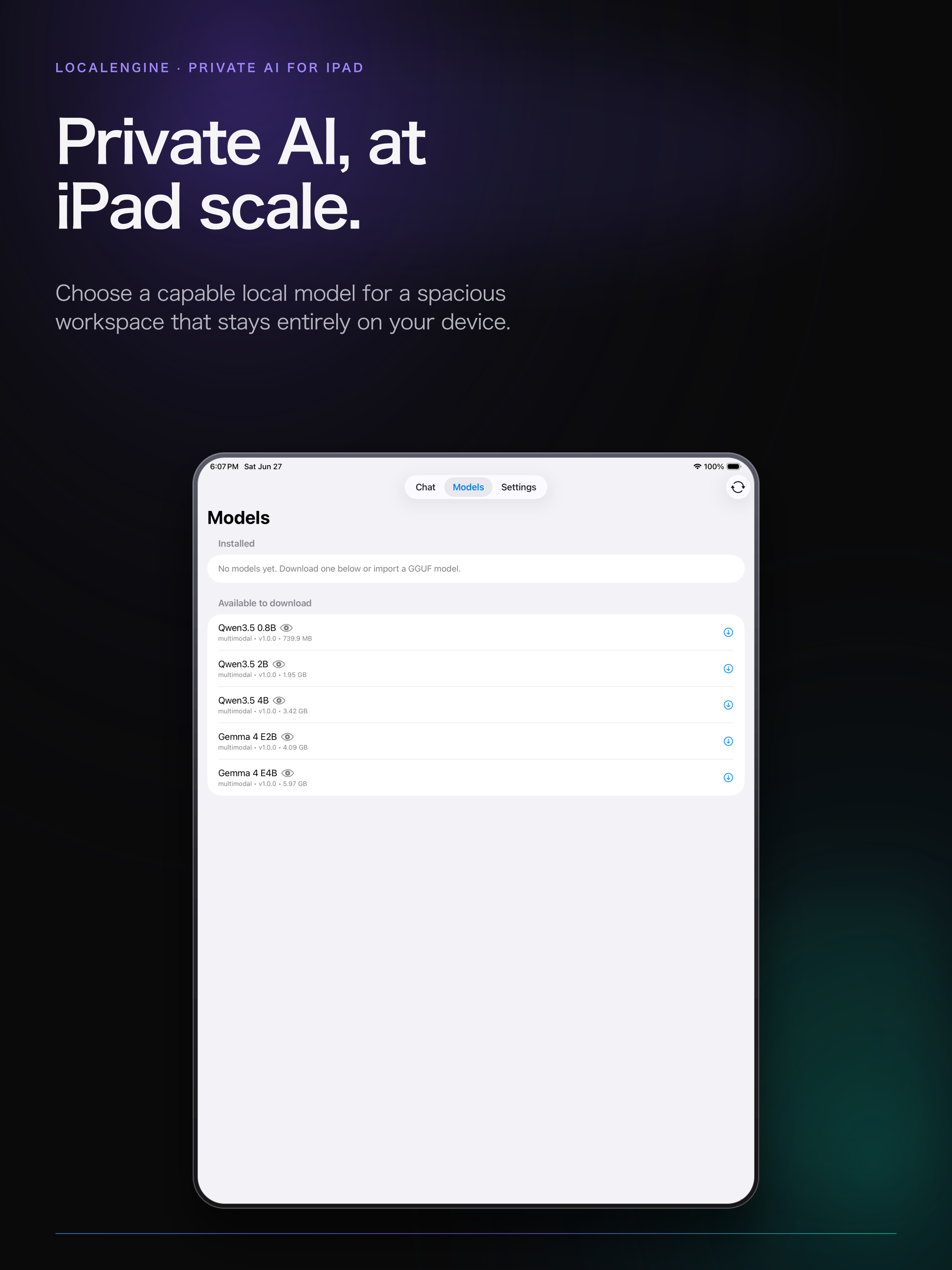
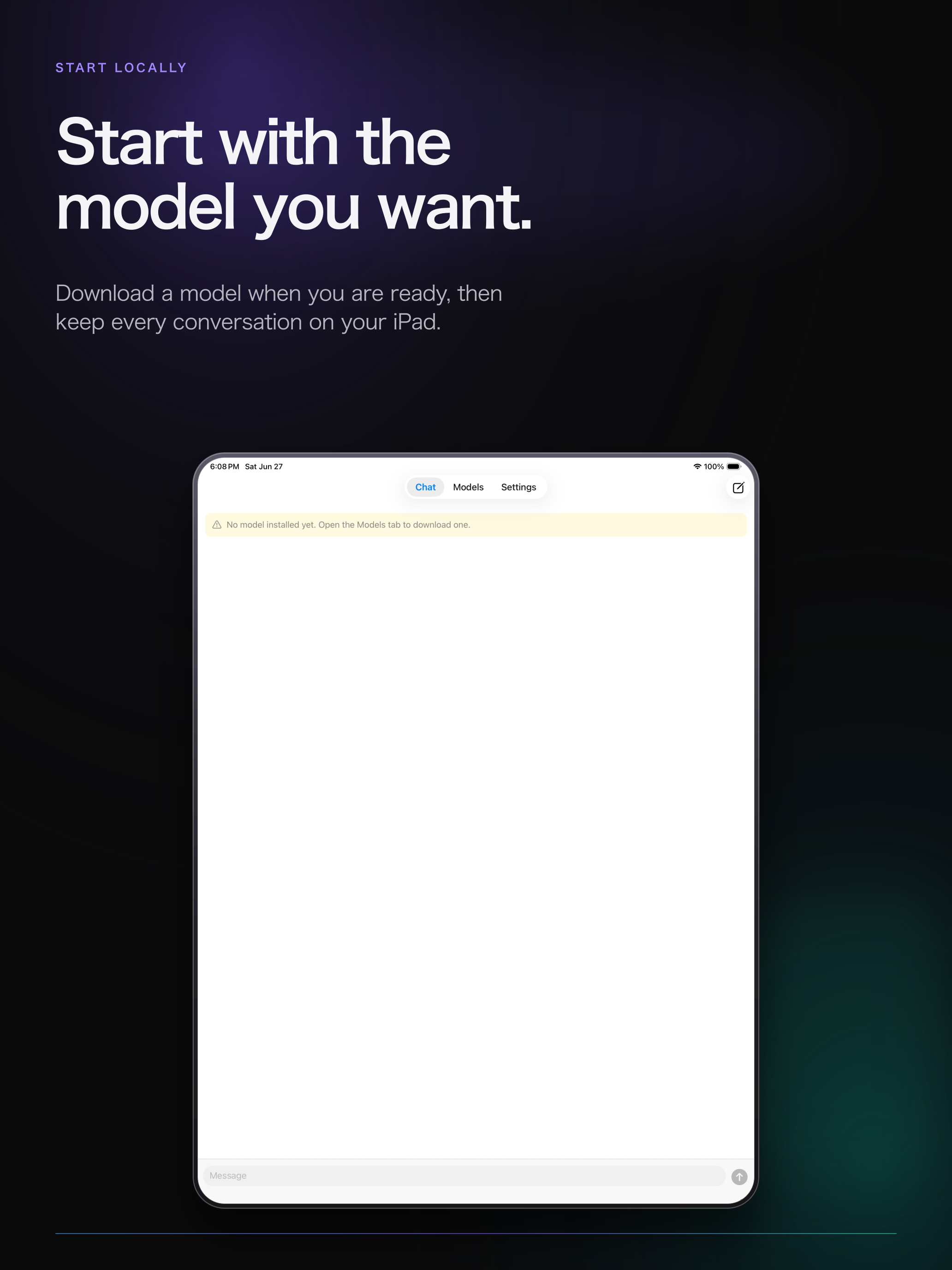
View screenshots →A spacious canvas for capable local models, with the same on-device privacy for reading, writing, and thinking.
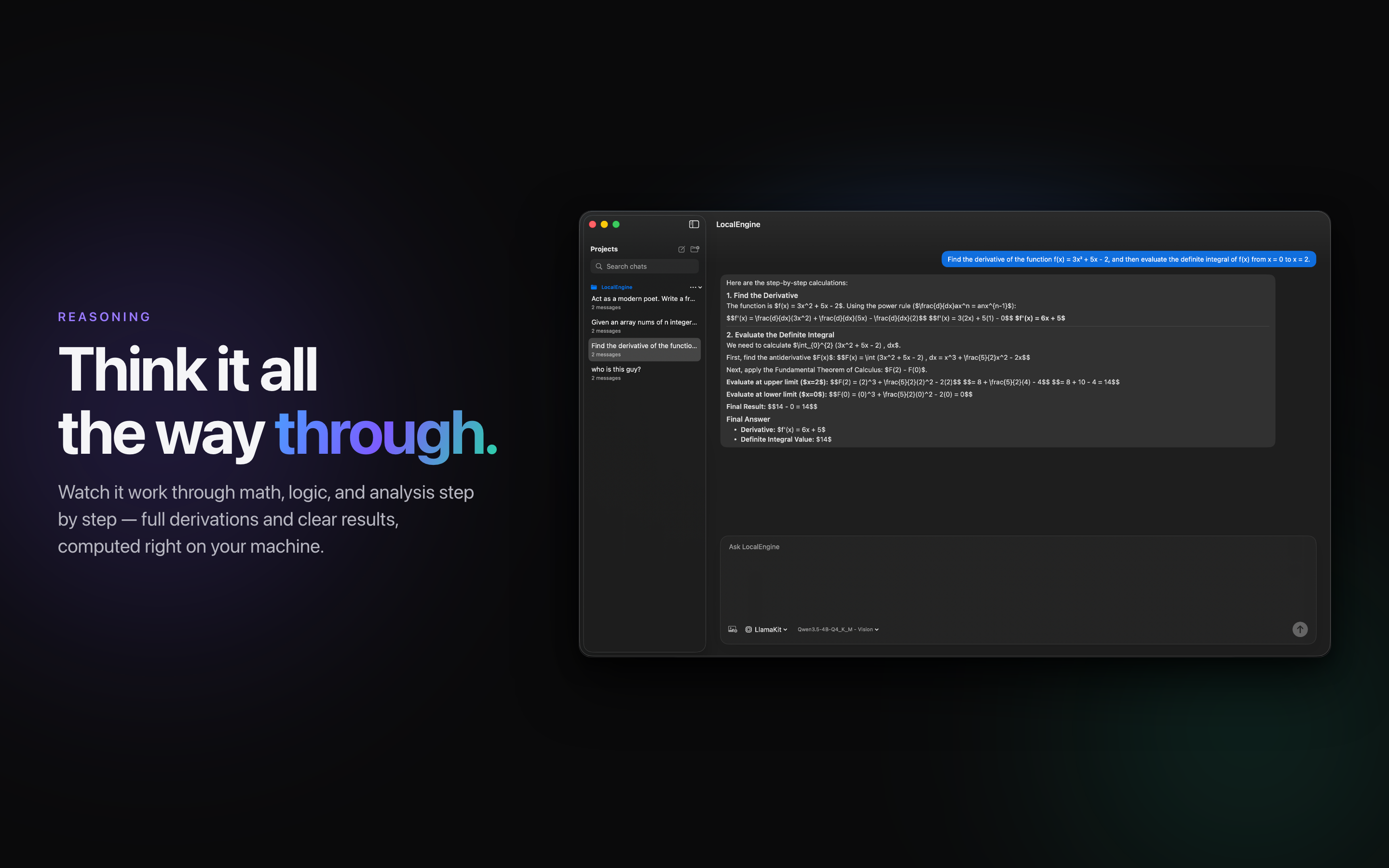
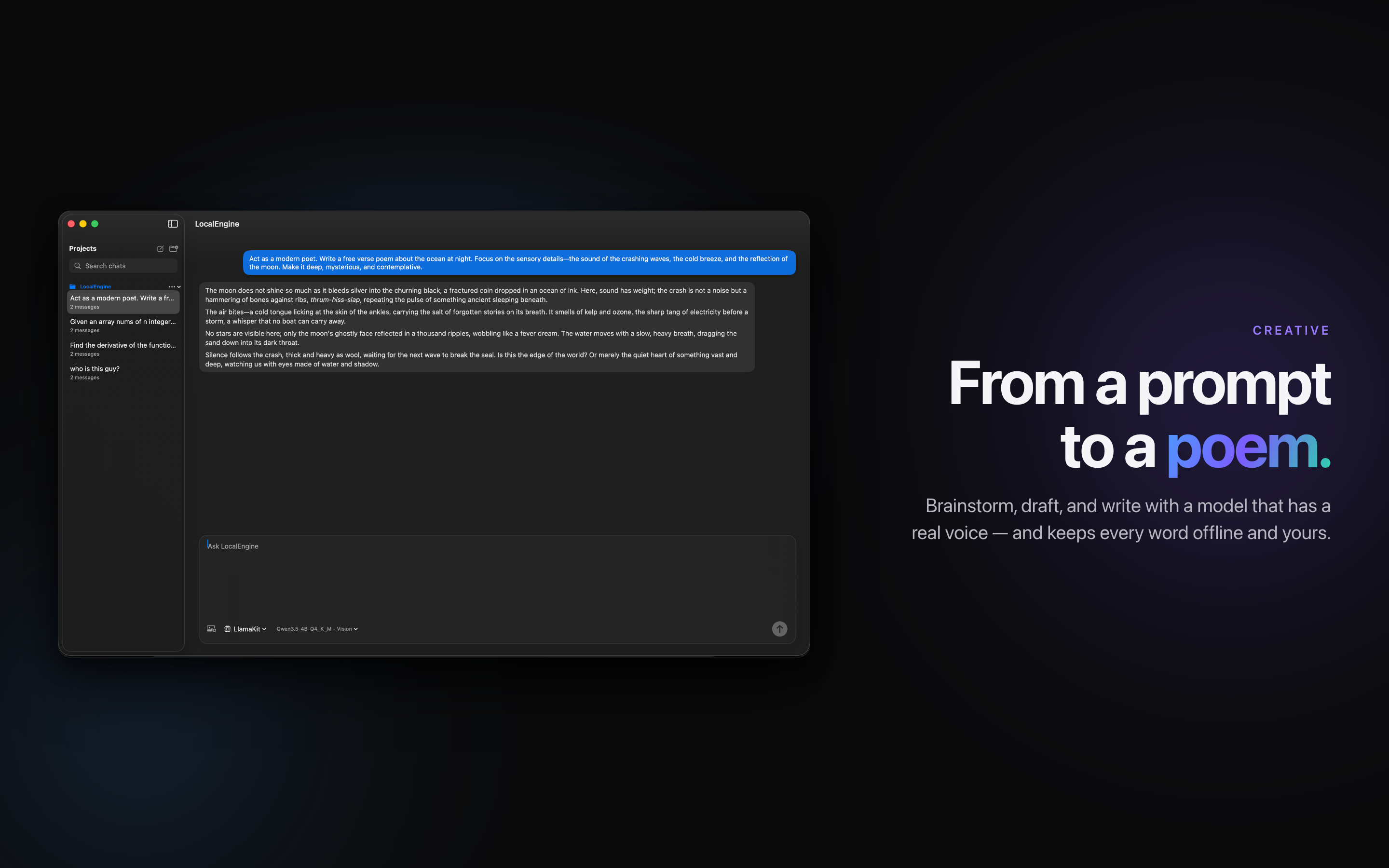
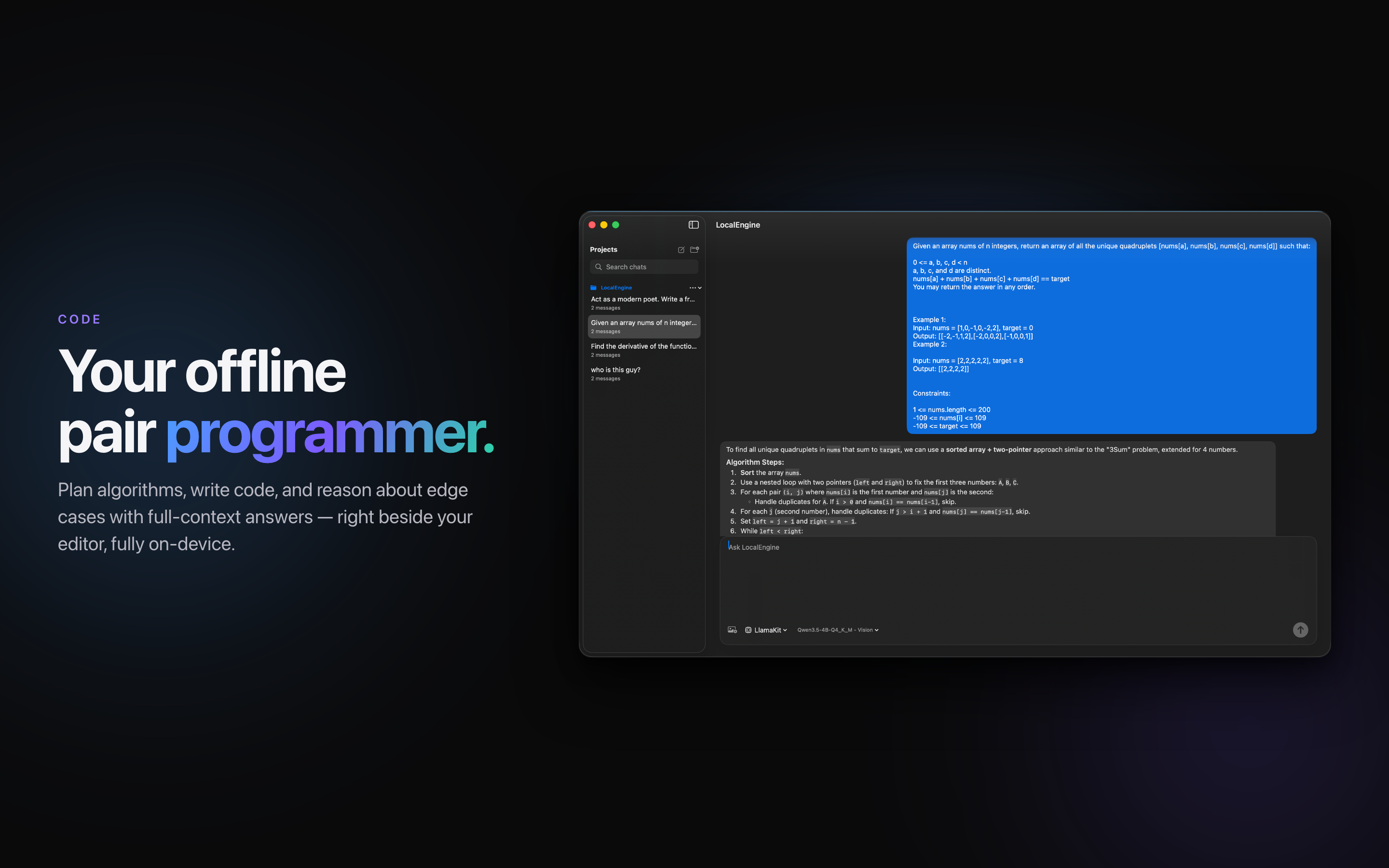
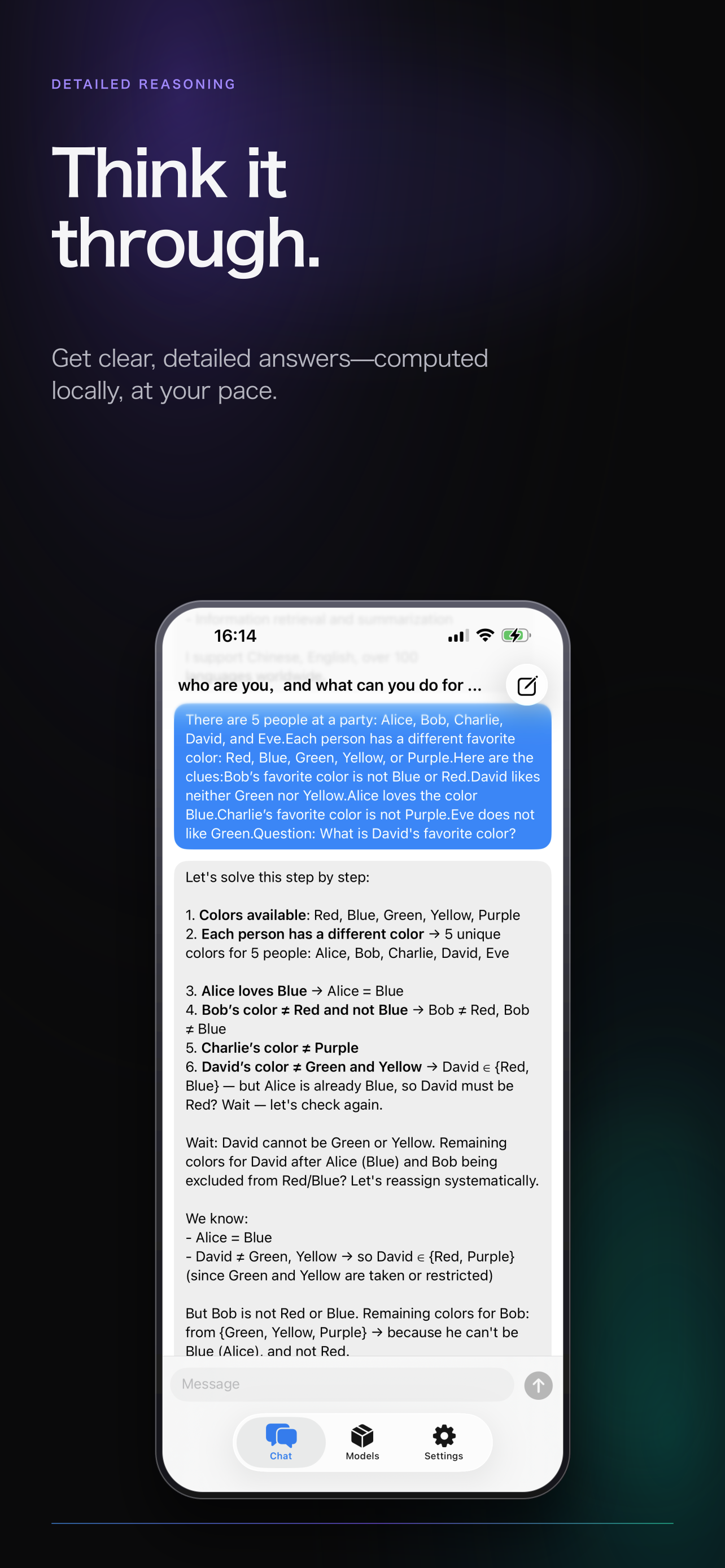
View screenshots →A native, multi-turn conversation wired to your active local model — streaming replies, image understanding, and organized projects.
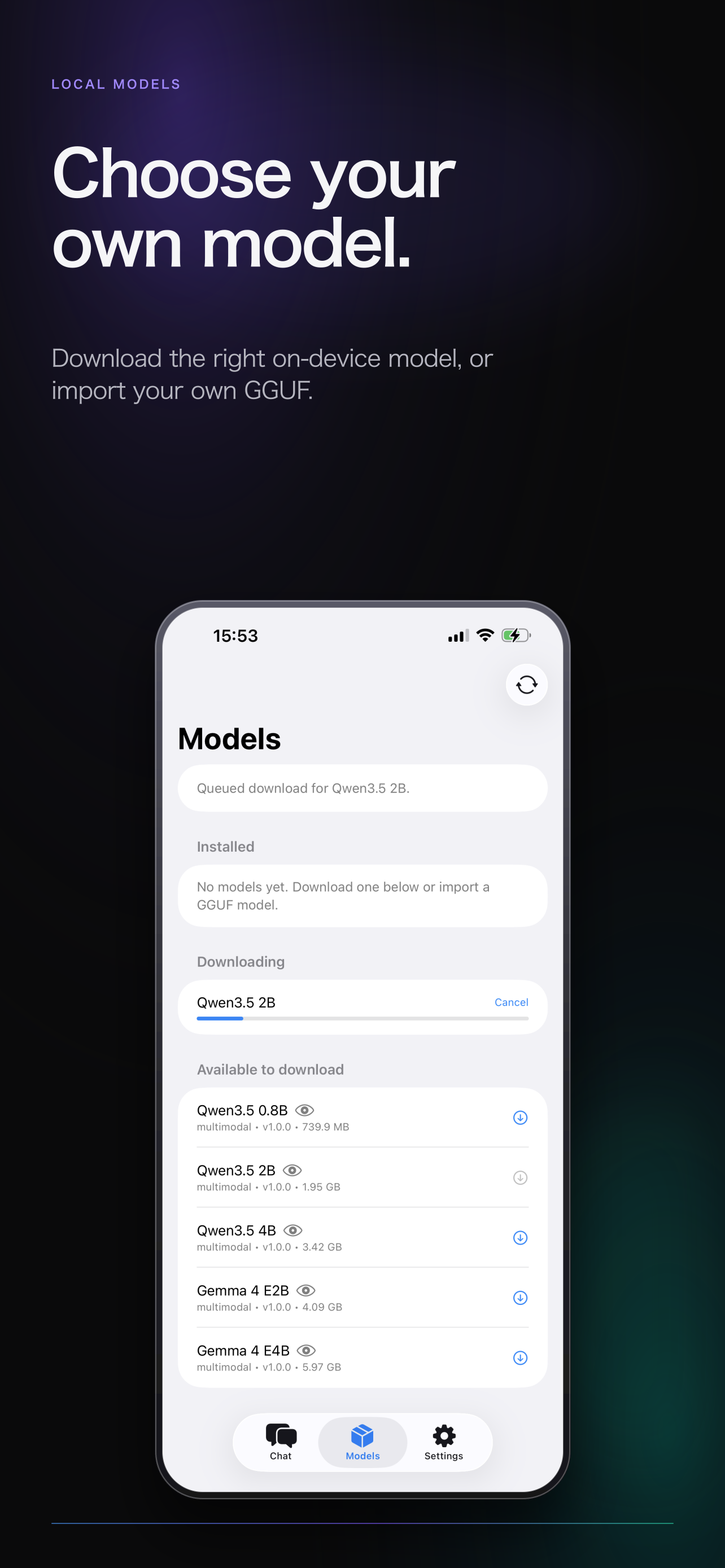
Browse the in-app catalog, download capable local models as resumable jobs, or import your own — then activate one in a tap.
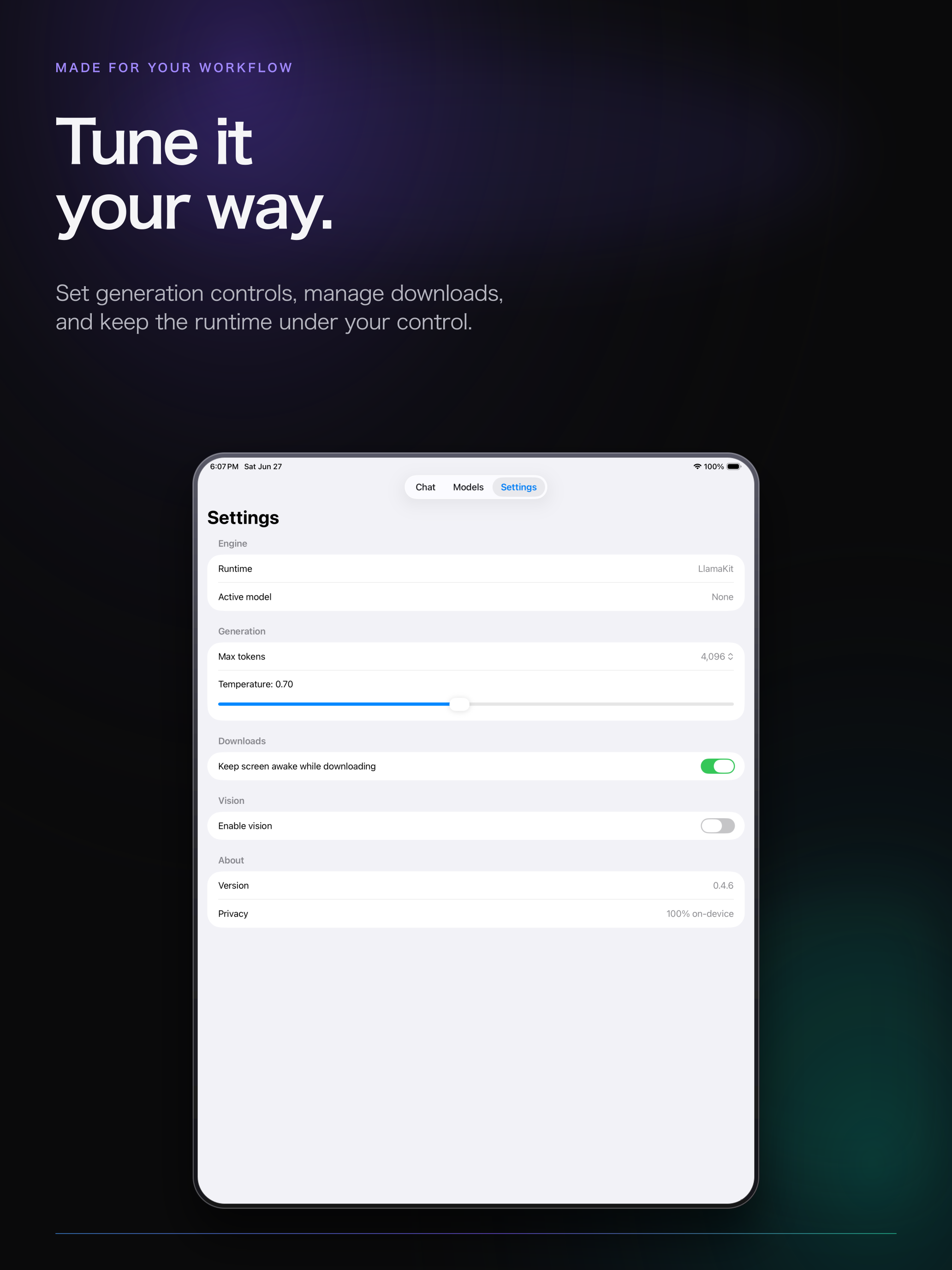
Tune generation, enable vision, and see the on-device runtime and privacy status at a glance.
Turn on a local HTTP endpoint and let your own tools ask the on-device model to translate selections or batches. Nothing — including your API key — leaves the machine.
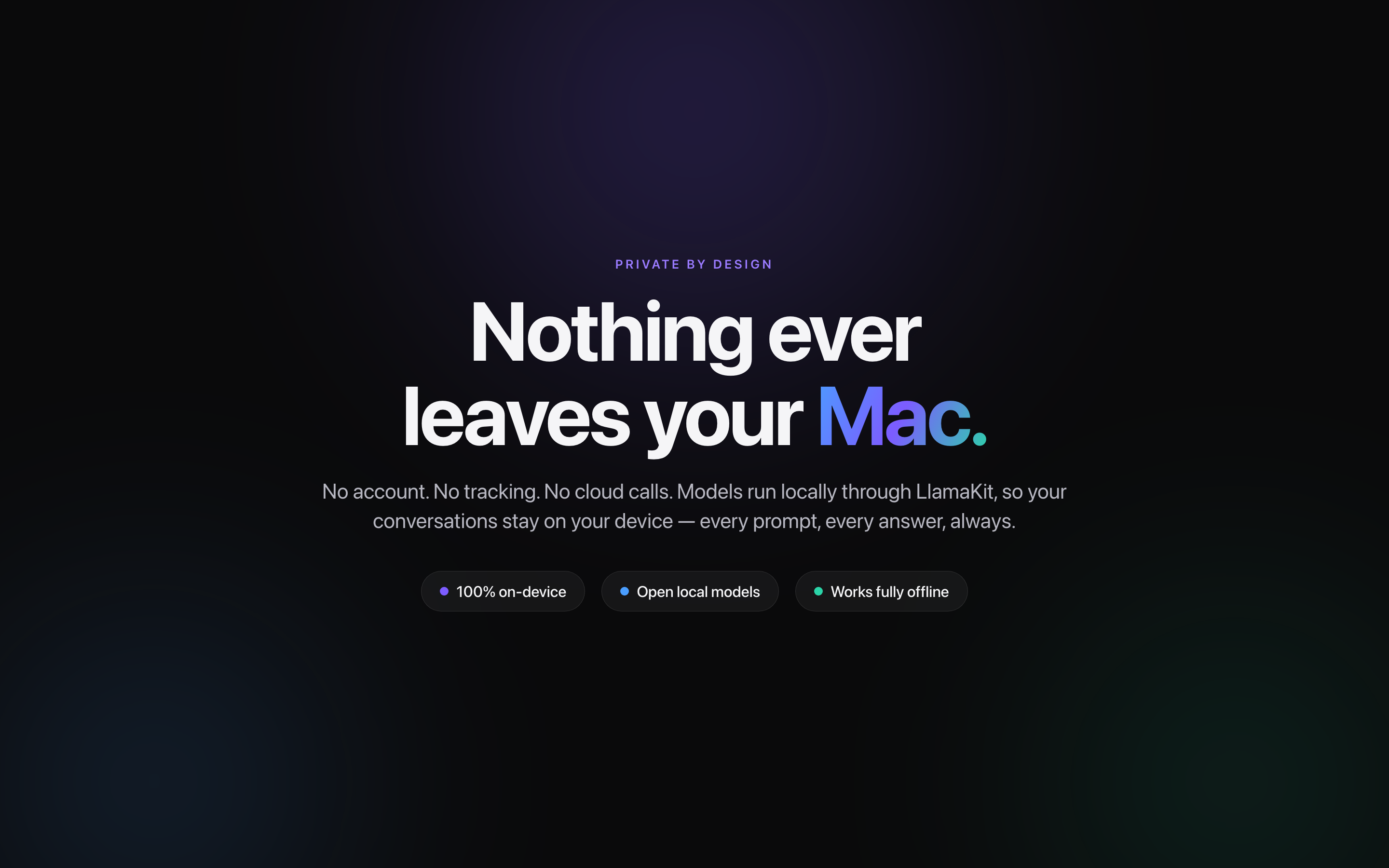
Real screens from LocalEngine: chat, reasoning, model management, and privacy — all on-device.